 Camera Grid





iPhone Food Photography Composition That Works
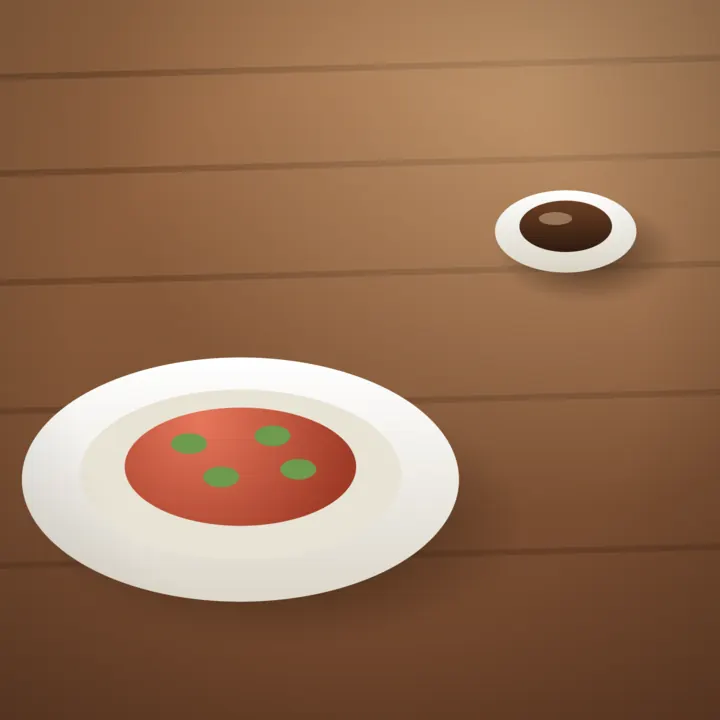
Improve iPhone food photography composition with clear framing moves for overhead plates, restaurant tables, light, crops, and serving scenes at home.
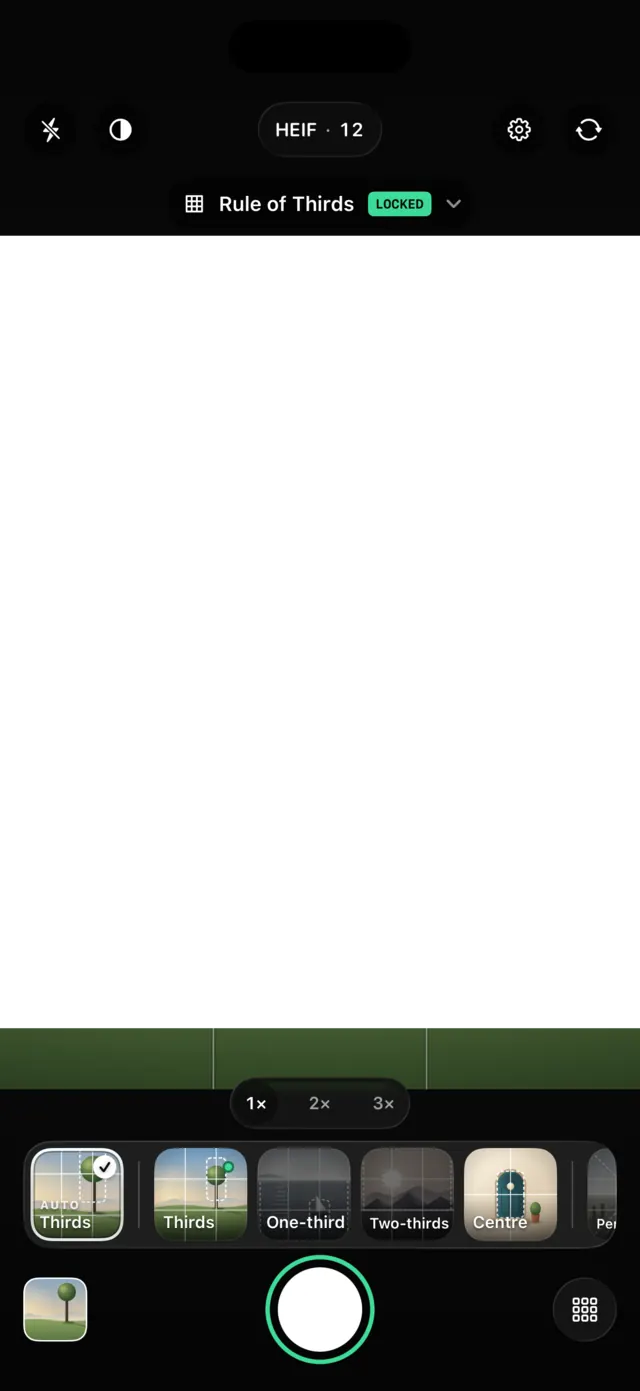
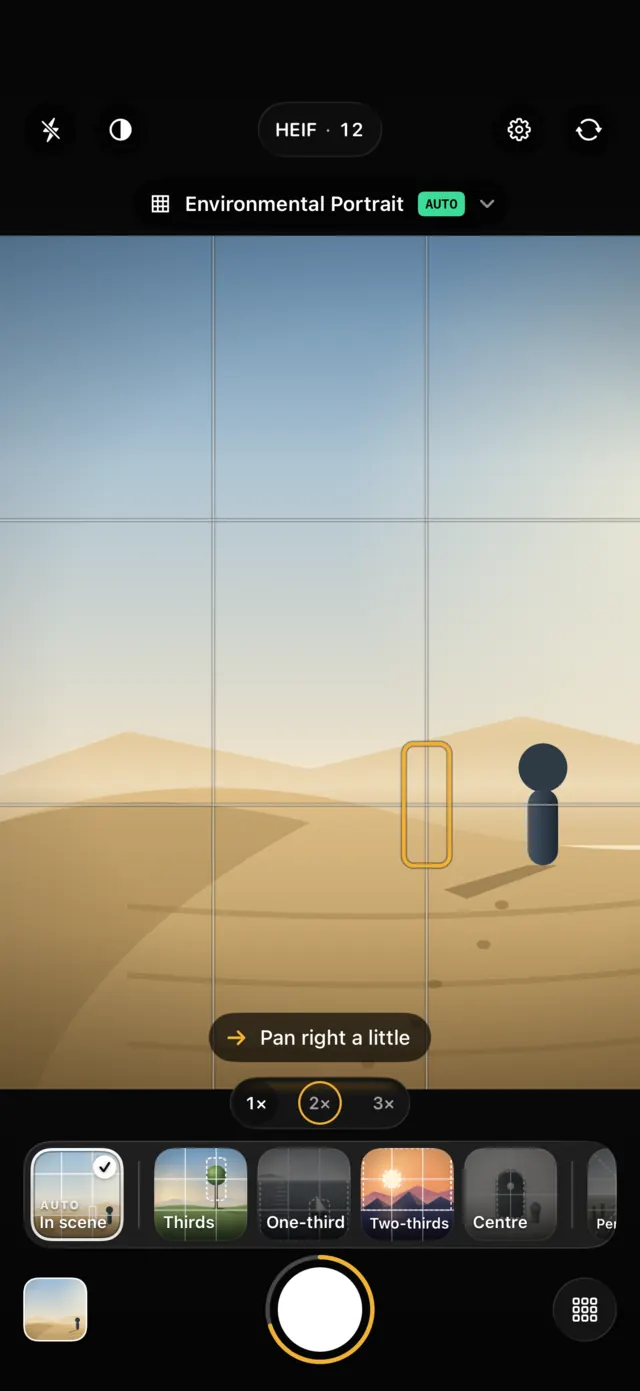
Camera Grid reads the scene, picks the composition that fits and draws it as a live target over your viewfinder. The ring around the shutter is your score. Land it, and it locks.

A grid you squint through is a sticker. Camera Grid builds its guide from what the camera sees, so the target sits where your subject belongs.
The subject, faces, objects on a table, the horizon, lines and symmetry, and how you hold the phone. All with Apple's on-device Vision.
A portrait gets Half-Body, a plate seen from above gets Aerial, a corridor gets One-Point Perspective. Or hold any guide yourself.
Yellow means close. Green means locked, with a tap in your hand. Every photo taken with a score on screen keeps it, with the guide you used.
Never a wall of advice. Camera Grid picks the one change that matters most and says it in plain words. When you are there, it goes quiet.
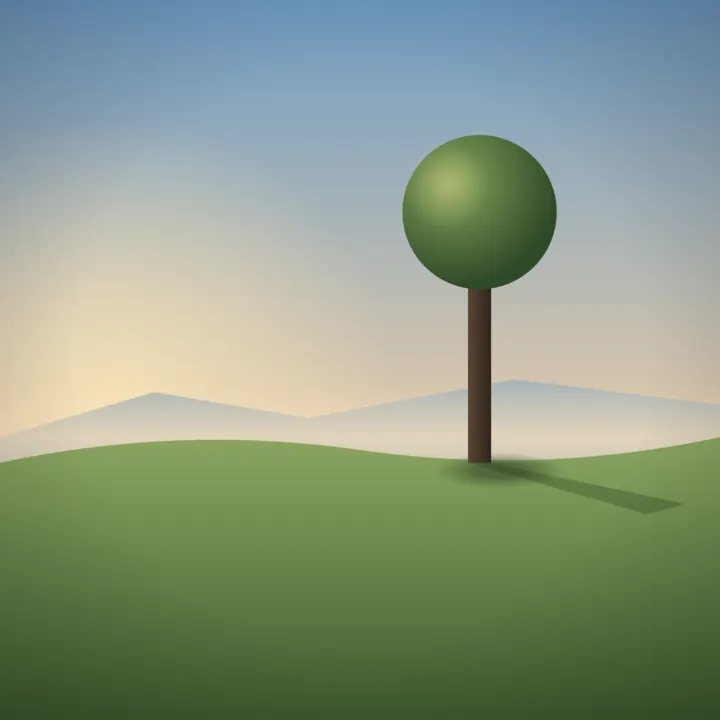
From the rule of thirds to the golden spiral. Each guide has its own page: what it is, when it works and how to shoot it.
Apple ProRAW when you want every bit of latitude.
48 MP on the main lens, true 24 MP when you want both.
Pinch, a zoom ruler, and the lens each guide suggests.
With sound, when you turn it on.
Portrait or landscape, even with Orientation Lock on.
Tap to focus, drag for ±2 EV, long press to lock.
The scene reading, the scores and your history all happen on your iPhone. Photos go to your Photos library and nowhere else.
Golden spiral, leading lines, reflection, S-curve and eleven more. Free forever for the 16 core guides and every camera feature.
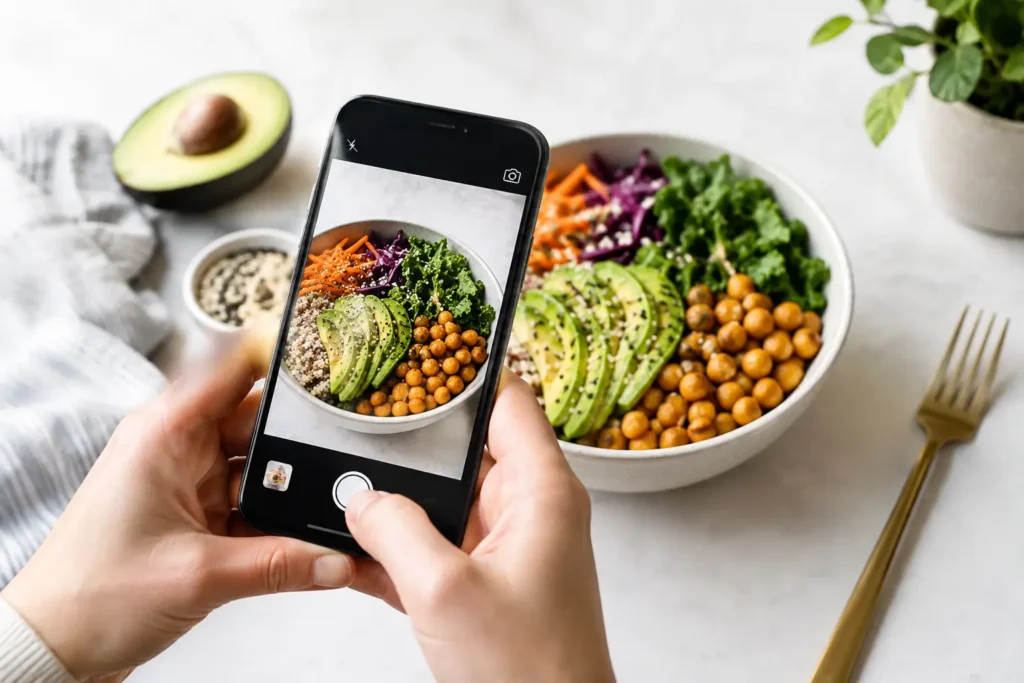
Improve iPhone food photography composition with clear framing moves for overhead plates, restaurant tables, light, crops, and serving scenes at home.

Use these environmental portrait composition tips to place people in meaningful settings, control distractions, and frame stronger iPhone photos today.

Learn one point perspective photography on iPhone: find the vanishing point, square your frame, and make roads, halls, and rooms feel intentional at once.
Yes. The camera, the live score, the coaching and 16 composition guides are free. Camera Grid Pro adds 15 more guides, yearly or once for life.
No. Camera Grid has no account, no analytics and no network client. The scene is read on your iPhone with Apple's on-device Vision, and photos go to your Photos library.
iPhone and iPad with iOS 26 or later. 48 MP and ProRAW need an iPhone whose camera supports them.
It reads the scene first: a person, objects on a table, a horizon, a corridor, a mirrored facade. Then it picks the guide made for that scene and keeps it steady while you frame.
Yes. Tap any guide in the strip or the library to hold it. Auto keeps reading the scene underneath and takes over again when you release it.

Built by the same maker, for the same photo library.
 RawToHEIC
Convert RAW to HEIC and reclaim your storage — without leaving Apple Photos.
Learn more
 MergeHDR
Merge bracketed exposures into one clean HDR photo, right on your device.
Learn more
 Filters
Find photos by the colours in them — three colours as one Venn query, on-device.
Learn more
 Photo Geotag
Put photos with no location back on the map, from the geotagged shots around them — on-device.
Learn more
 Copyrighted
Read, fix and stamp the copyright inside your photos — losslessly, on-device.
Learn more
 Photo Tape
One photo a day for two, on each other's home screen. Shared through iCloud.
Learn more
 Site Pulse
Watch your sites' live visitors from the Mac menu bar.
Learn more