Camera Grid
What a Private On-Device Camera App Should Do
A private on-device camera app can guide your framing without sending photos, faces, or scene data elsewhere. See what privacy means while you shoot now.
Short, practical pieces on composition with an iPhone: where the subject goes, when the rules bend, and what the camera settings are really for.
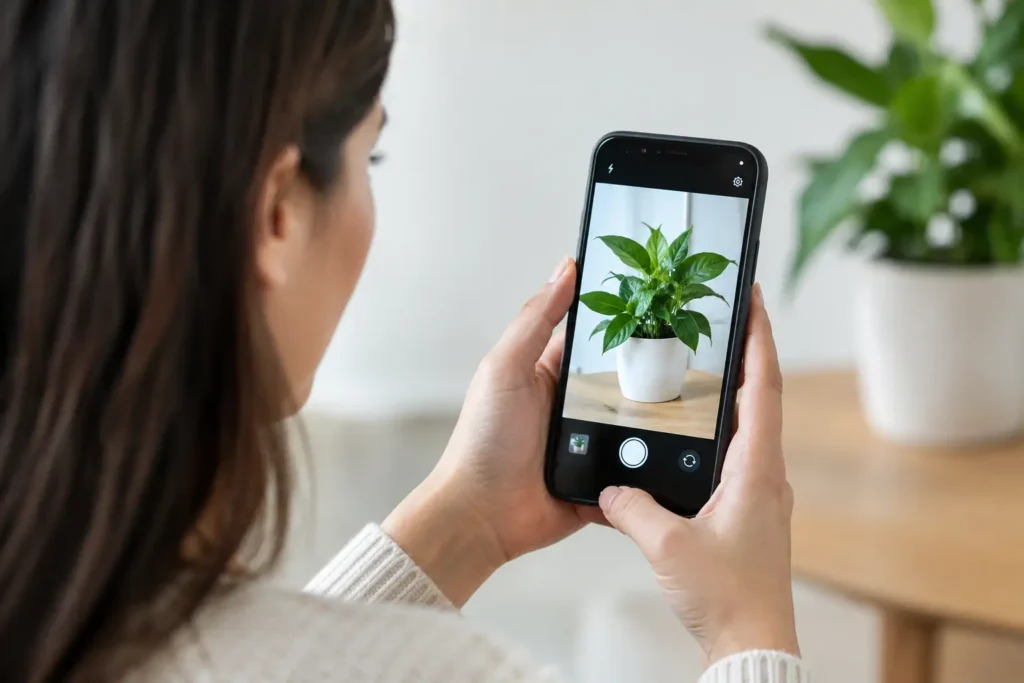
A private on-device camera app can guide your framing without sending photos, faces, or scene data elsewhere. See what privacy means while you shoot now.
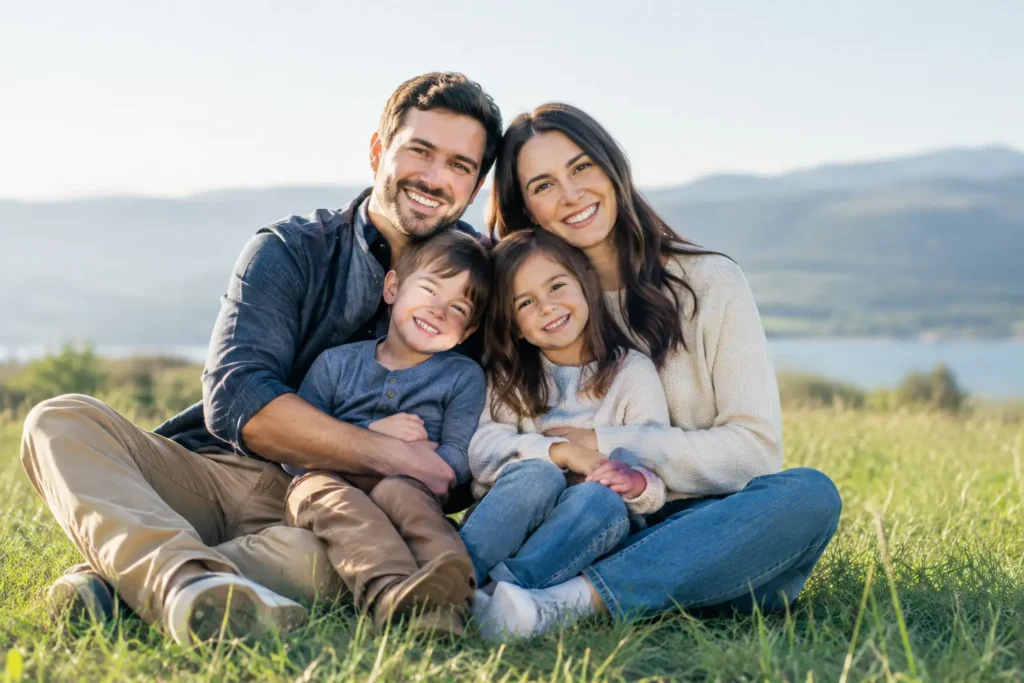
Learn how to compose family photos with simple framing, light, and posing moves that keep real moments relaxed, balanced, and easy to capture on iPhone.
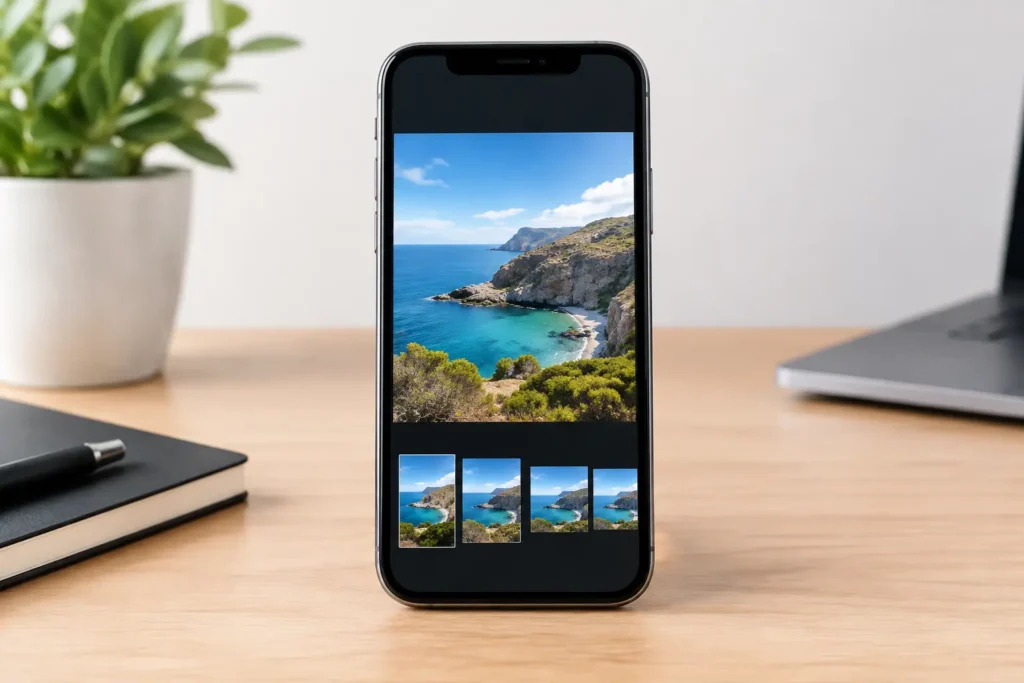
iPhone photo aspect ratios change what fits in the frame. Choose 1:1, 4:3, 16:9, or 3:2 with clear, scene-specific direction before shooting on iPhone.
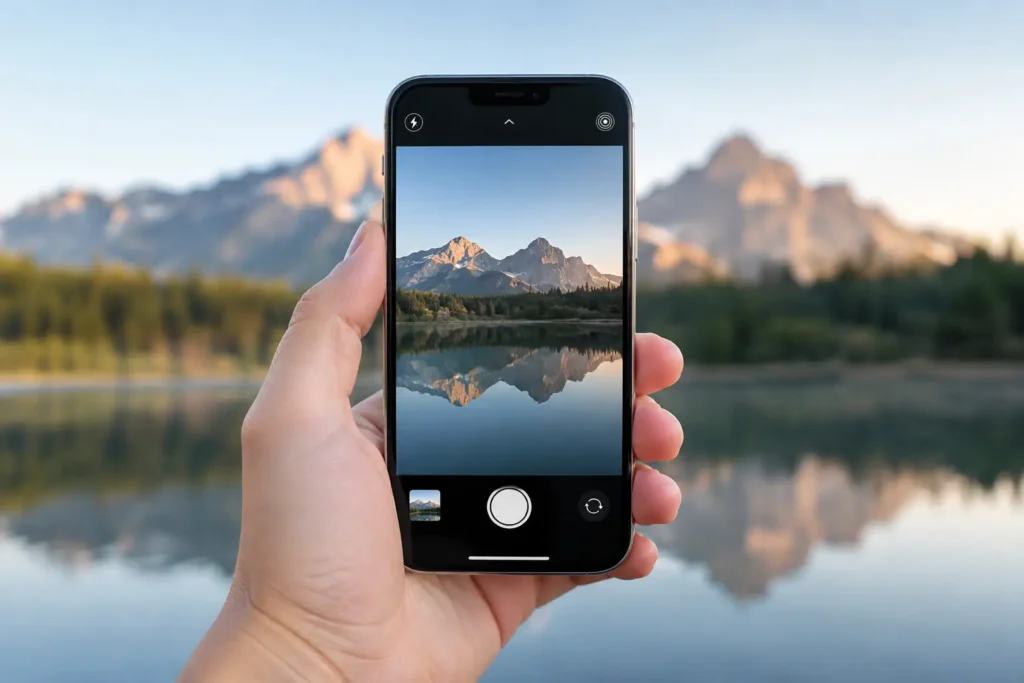
Set iPhone 48MP photo settings with purpose: choose HEIF, JPEG, or ProRAW, protect highlights, manage storage, and frame images worth keeping for every shoot.
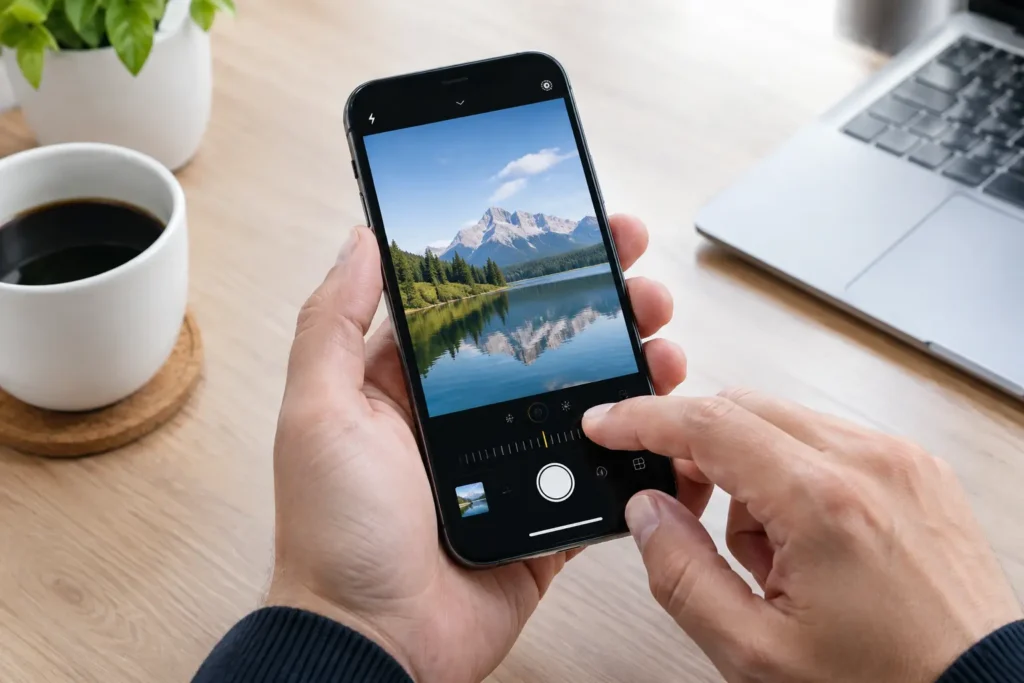
Choose a ProRAW camera app for iPhone that keeps 48 MP control, exposes correctly, guides composition, and protects your privacy from capture to edit.
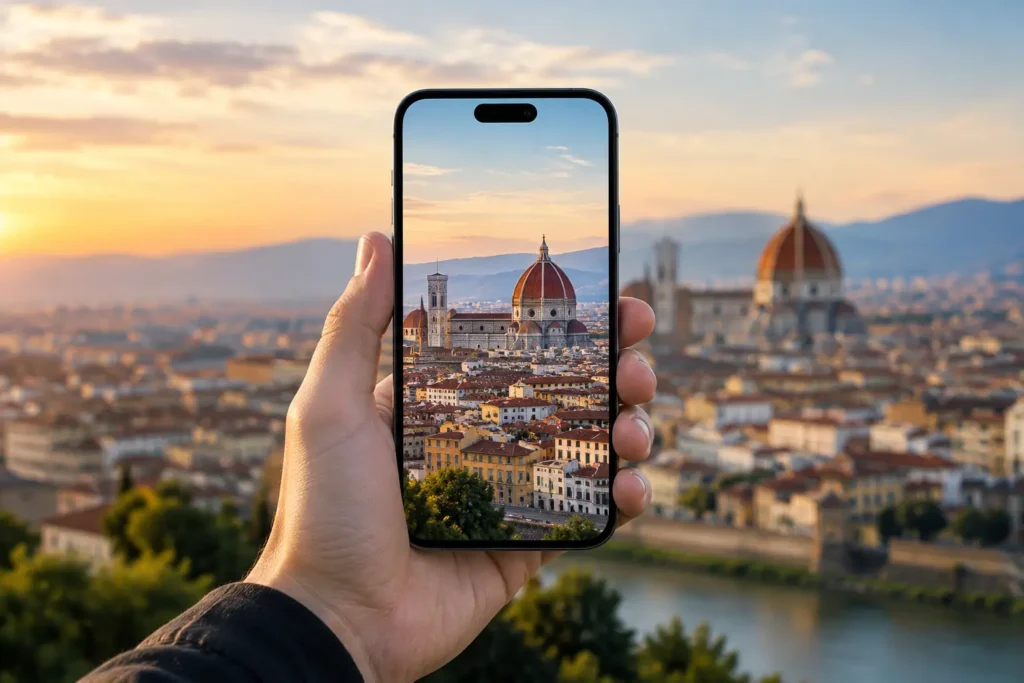
iPhone architecture photography tips for cleaner lines, balanced frames, stronger building photos, and more deliberate composition on every walk outside.
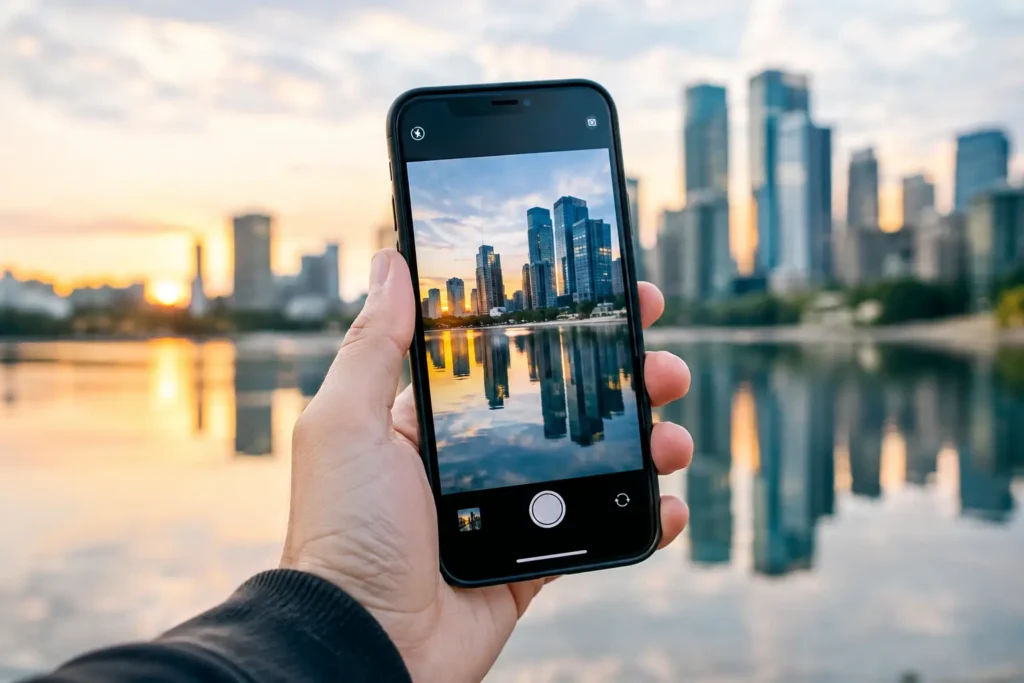
Learn how to photograph reflections with iPhone using clean light, low angles, exposure control, and deliberate framing for scenes that feel complete.
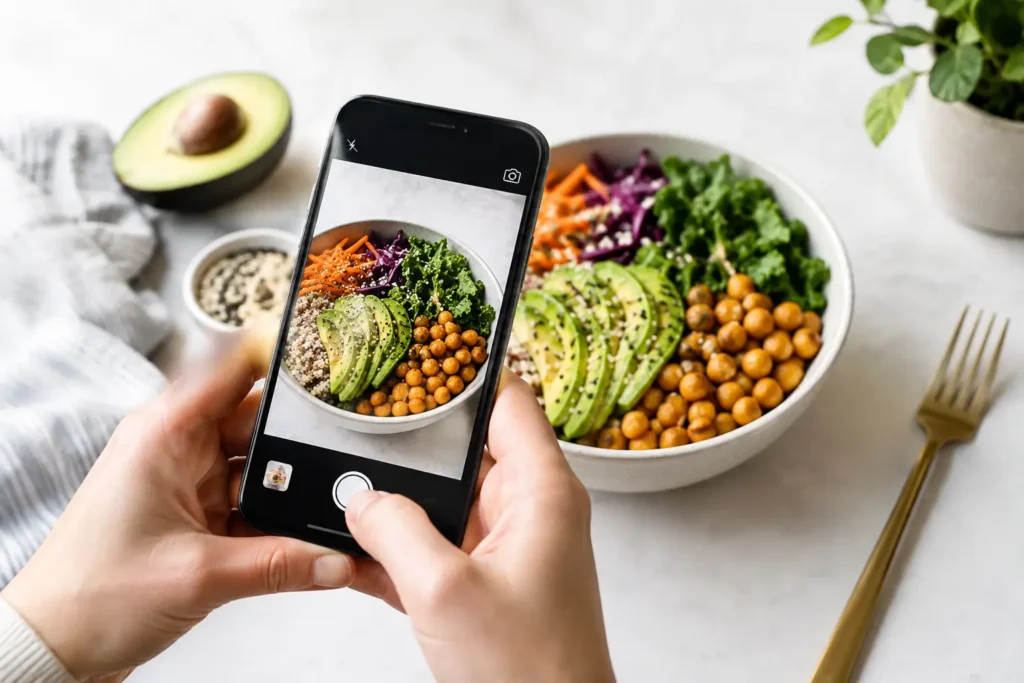
Improve iPhone food photography composition with clear framing moves for overhead plates, restaurant tables, light, crops, and serving scenes at home.

Use these environmental portrait composition tips to place people in meaningful settings, control distractions, and frame stronger iPhone photos today.
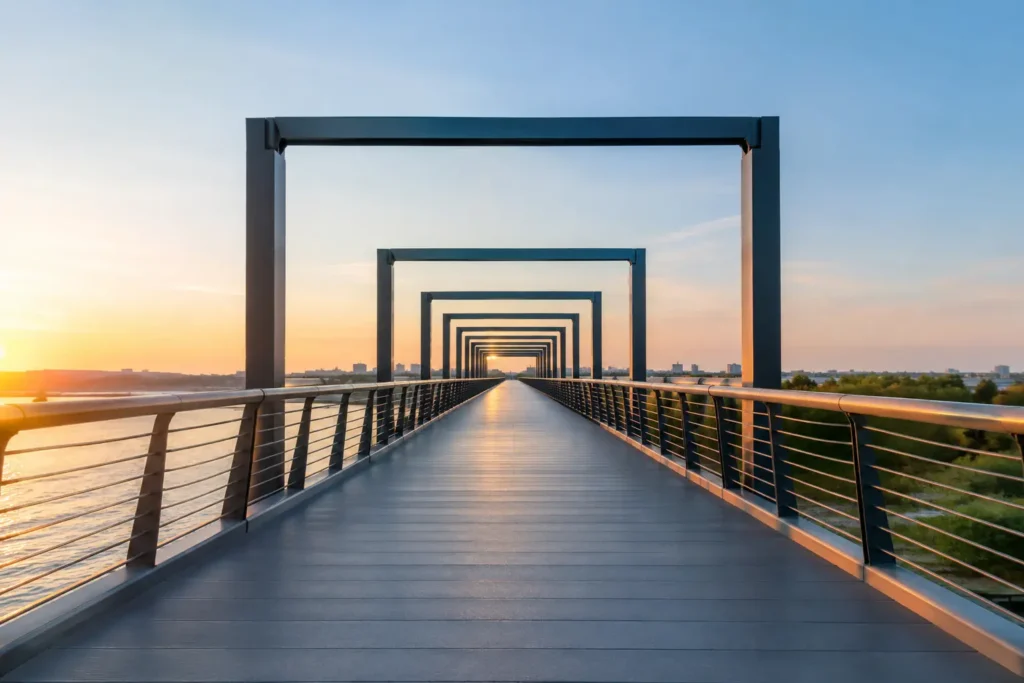
Learn one point perspective photography on iPhone: find the vanishing point, square your frame, and make roads, halls, and rooms feel intentional at once.