 Camera Grid
- Placement
- PRO
Golden Spiral: let the scene wind to your subject
A curve that tightens by the golden ratio each quarter turn. Let the scene wind in to the subject.
What it is
The golden spiral is built from rectangles that shrink by the golden ratio, joined by quarter circles that tighten with each turn. Laid over a photograph, it suggests a path: the eye starts on the wide, open side and curls in toward the tight end, where the subject sits. It works when the scene already has a curve or a sweep, like a shoreline, a staircase or a wave, and a small subject where that sweep comes to rest. It is a loose guide to flow, and a rough fit works fine.
When to use it
- A spiral staircase or a curling shell
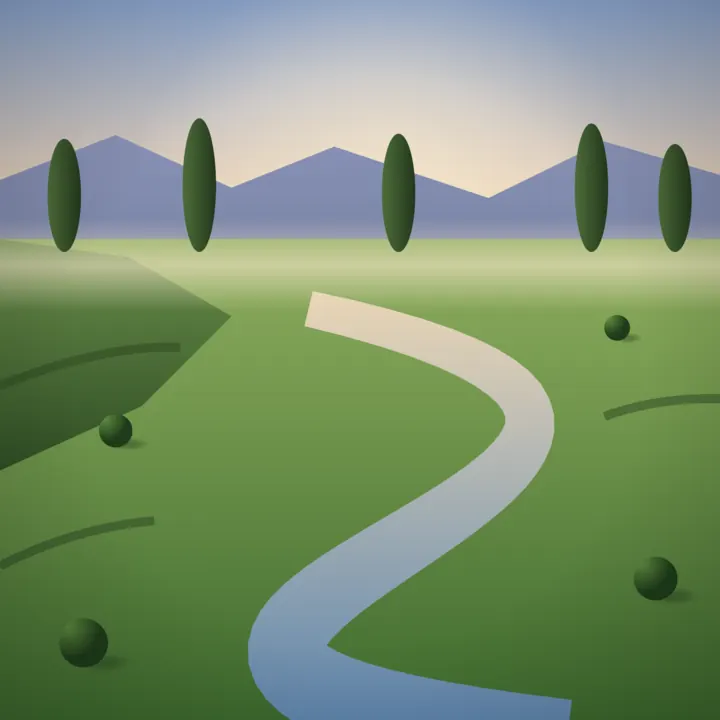
- A coastline or a road sweeping toward a small figure
- A flower or an animal with a curve leading to one detail
How to shoot it
- Find a small subject with some sweep or curve in the scene around it, and hold the phone at eye level.
- With Camera Grid Pro, the guide draws the spiral and a box at its tight end, the spiral's eye.
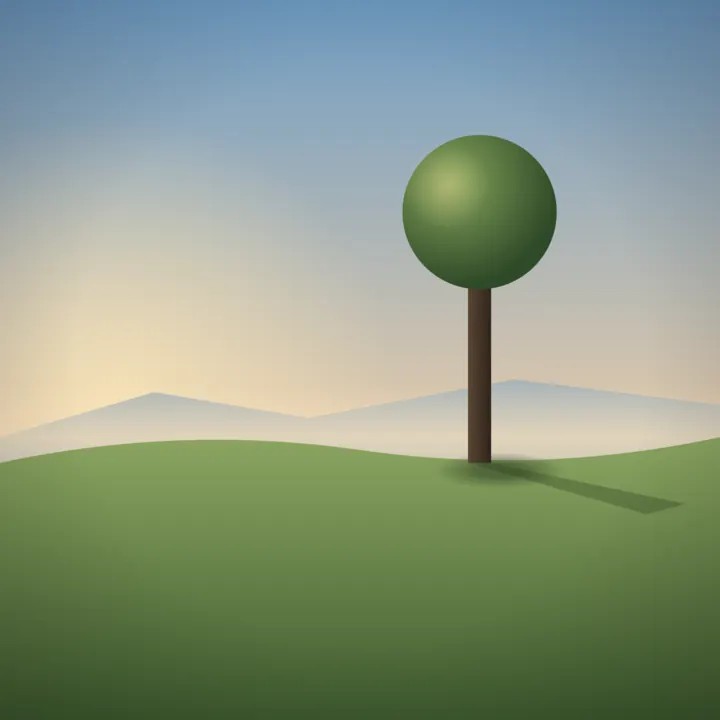
- Pan until the subject sits in the box, and keep it small; the coach asks you to step back if it grows too large.
- Level any horizon when the coach asks, then shoot when the ring turns green with a tap.
Common mistakes
- Forcing the spiral onto a scene with no curve in it, where it adds nothing the thirds would not.
- Letting the subject grow large, so it covers the whole tight end of the spiral.
- Chasing a perfect match, when the spiral only describes a general flow.
Questions
What is the golden spiral in photography?
It is a logarithmic spiral that grows by the golden ratio every quarter turn. Photographers use it as an overlay to arrange a scene so lines and shapes curl toward the subject, which sits near the spiral's tight end. It works best with scenes that already contain curves.
Is the golden spiral the same as the golden ratio grid?
No. Both come from the same ratio, but the grid gives four crossing points for a subject, while the spiral describes a curved path leading to one point. Camera Grid has both as separate Pro guides, Golden Ratio and Golden Spiral, and offers each on its own kind of scene.

Frame it. Lock it.
Golden Spiral comes with Camera Grid Pro, yearly or once for life. The camera, the score and 16 guides are free.
 What Pro adds


