Camera Grid

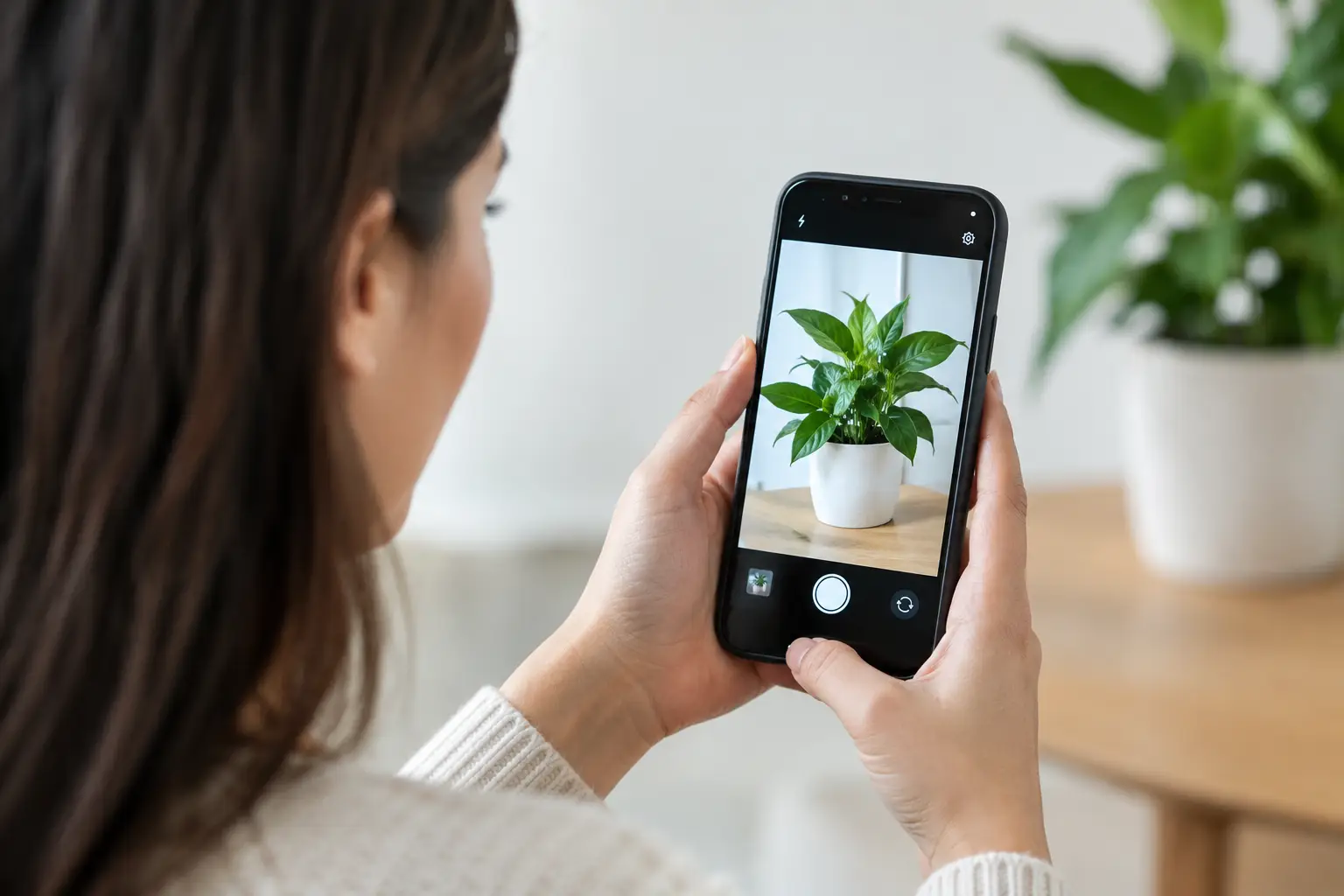
A child moves across a bright kitchen. A skyline opens between buildings. Lunch arrives with steam still rising from the plate. These are not moments for exporting an image, opening another editor, or wondering where your camera data went. A private on-device camera app should help you see the frame, correct it, and take the picture without turning a spontaneous shot into a data transaction.
For iPhone and iPad photographers, privacy is not a separate feature from good camera work. It shapes whether a tool can stay open while you photograph your family, work in public, or capture scenes that were never meant for a server. The best approach is simple: analyze the live viewfinder locally, give useful direction, and keep the photographer in control.
What “private on-device camera app” actually means
On-device processing means the app evaluates visual information on your iPhone or iPad rather than sending that information to a remote computer for analysis. In a composition camera, that can include recognizing faces, people, horizons, tabletop objects, architectural lines, symmetry, and the orientation of the phone.
The distinction matters before you press the shutter. A camera preview can contain far more than a finished photograph: a child’s face, a home interior, a location, documents on a desk, or strangers passing through a street scene. If scene analysis happens locally, those visual details stay on the device while the app decides which composition guide fits the scene.
Privacy also has layers. An app can process images locally yet still collect an account identifier, usage events, diagnostics, location, or cloud-synced photo data. Read the product’s privacy details with the same attention you give its camera features. Ask direct questions: Is an account required? Does the app retain images? Does it collect analytics? Does it send preview frames or face data away for processing?
A clear answer is more useful than a vague privacy promise. Local analysis, no account requirement, no retained image data, and no behavioral analytics create a more credible private camera workflow.
Privacy should not make the camera less capable
A private camera app is only useful if it works at the speed of seeing. Composition guidance needs to respond while you move, not after you have already missed the gesture or changing light. That is why on-device analysis is especially well suited to live framing.
Point the camera at a portrait. The app can recognize the person, select a portrait-oriented guide, and show whether the subject sits in a stronger part of the frame. Point it toward a building. It can detect verticals, perspective, or symmetry and switch to a guide that helps you square the structure. Turn toward a table. It can identify a tabletop scene and suggest a more deliberate arrangement.
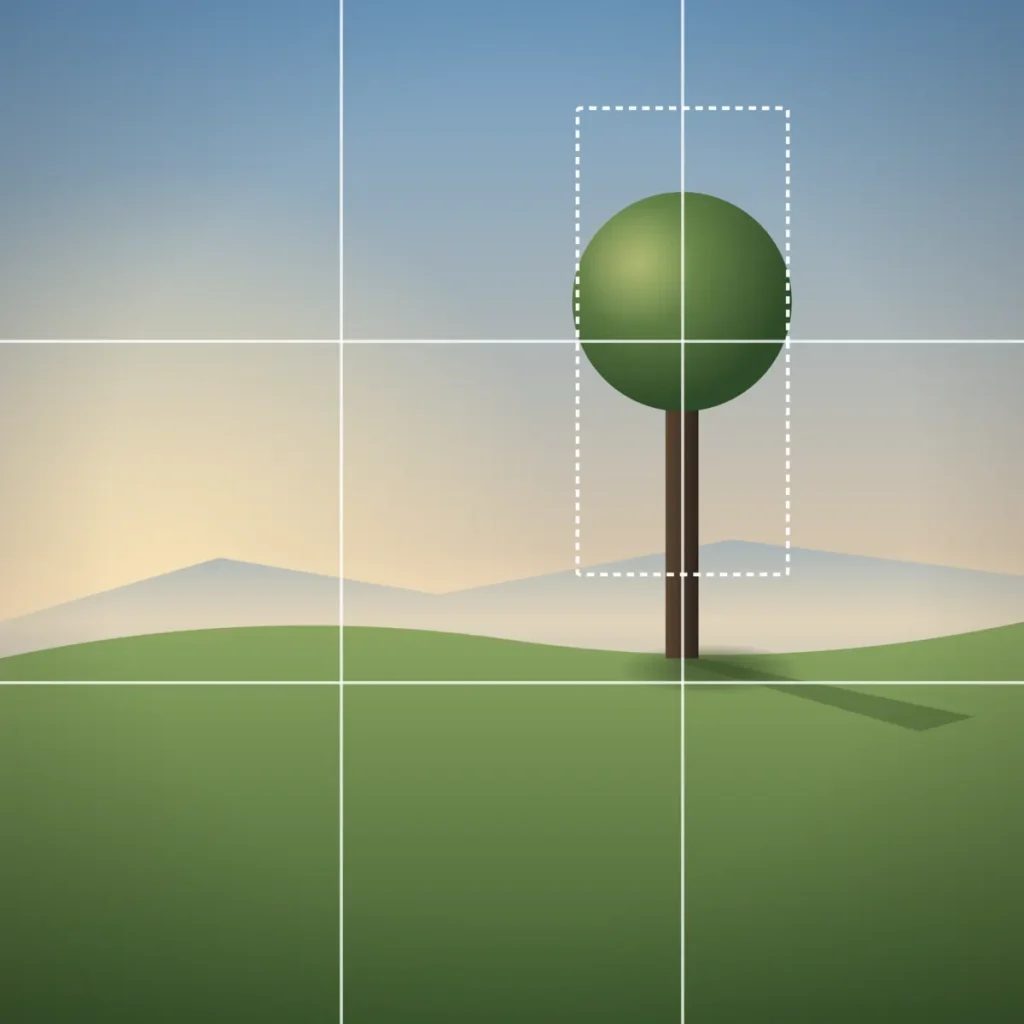
This is not the same as placing a permanent rule-of-thirds grid over every scene. A fixed grid asks you to diagnose the situation yourself. A scene-aware camera evaluates what is in front of you, chooses a relevant visual method, and gives one correction at a time.
The instruction should be short enough to use while shooting: Pan left. Tilt up. Step back. Level the horizon. Spread them into a triangle. The goal is not to explain every principle in the viewfinder. The goal is to improve the next frame.
Camera Grid uses Apple’s on-device Vision technology in this way. It analyzes the live scene locally, overlays an appropriate composition guide, and uses a shutter-ring score to show whether the framing is improving. It retains no account or analytics data, so the coaching remains where the photograph begins: on your device.
What local composition guidance can see
On-device analysis is not magic, and it should not pretend to be. It works from visual cues in the live preview. Strong cues produce strong guidance. A clean horizon, an obvious row of columns, a face against a simple background, or a table with distinct objects gives the camera something clear to assess.
A horizon guide is useful at the beach, on a lake, or from a high overlook. It helps when a slight tilt makes an otherwise calm scene feel accidental. Level the phone first, then decide where the horizon belongs. A low horizon can give a dramatic sky room to work. A high horizon can emphasize foreground texture or people on the shore.
Symmetry is different. In a formal lobby, a doorway, a bridge, or a reflection, the strongest move may be to stand square to the subject and center it precisely. Centered composition is not a rule-breaking exception. It is often the correct answer when the scene itself is built around balance.
For a portrait, balance can come from placement rather than symmetry. Leave room in the direction the person is looking. Avoid cutting through joints with the frame edge. If two or three people are in the shot, adjust their spacing so the group reads as an intentional shape instead of a row of disconnected heads.
Tabletop scenes need another kind of attention. A plate, cup, napkin, and glass can look flat when photographed from wherever you happen to be standing. Move around the table. Build a diagonal. Give the hero dish space. Remove the fork that points out of the frame. On-device guidance can help establish the structure, but your eye still decides what deserves attention.
A private on-device camera app should preserve control
Privacy and control belong together. You should not have to abandon the camera settings that make an iPhone capable just to receive composition help.
For a quick family photo, HEIF is usually the practical choice. It saves space, processes quickly, and is easy to share. For a high-contrast landscape, careful architecture work, or an image you plan to edit extensively, ProRAW may be worth the larger file. The composition tool should guide the frame without forcing one format or reducing the capture options you need.
Look for support that respects the native shooting workflow: high-resolution capture when your iPhone supports it, ProRAW, Live Photos, zoom, aspect ratios, exposure and focus lock, and the ability to make the final creative call. A guide is not a gatekeeper. You should be able to use it, ignore it, or switch it as the scene changes.
This matters with advanced methods such as leading lines, Golden Spiral, reflection, S-curve, and perspective guides. They can sharpen a frame, but none is universally right. A leading line can pull the eye toward the subject, or it can pull the eye straight out of the image. A Golden Spiral can give a flower, face, or curled wave a natural flow, but forcing every scene into it makes pictures feel mannered.
Use the guide as a test. If the frame becomes clearer, stay with it. If it becomes more complicated, change position or choose another approach.
The trade-offs are real
On-device processing has limits. It depends on the hardware in your device and may use more battery than a basic camera preview. A complicated scene can be ambiguous. Dim light, fast motion, overlapping faces, heavy reflections, and extreme wide-angle views can make any real-time analysis less certain.
That is not a failure of privacy. It is the honest trade-off of asking your device to do useful visual work without outsourcing the scene. The practical response is straightforward: keep the instruction simple, trust the live feedback when it is clear, and rely on your own judgment when the subject is not.
There is also a creative trade-off. Composition scoring can encourage better habits, but chasing a perfect score can make you late. A toddler will not hold the pose while you adjust every edge. A street moment may need the shutter now. Get the strongest frame you can, then take it. A slightly imperfect photograph with real feeling beats a technically tidy picture taken too late.
A quick privacy check before you shoot
Before making a camera app part of your daily workflow, check four things:
- It processes scene information on the device rather than sending preview frames to a server.
- It does not require an account just to use the camera.
- It states clearly whether it stores photos, face data, location, or usage analytics.
- It preserves the iPhone capture controls you rely on instead of replacing them with a reduced camera.
Then test it in ordinary situations. Photograph a person near a window, a meal on a table, a building with strong verticals, and a landscape with a visible horizon. The right tool should make its value obvious in the viewfinder. You should spend less time translating theory and more time making a better frame.
Keep the phone up. Watch the edges. Make the small correction. Frame it. Lock it.